

Latest Version
MacPaw Way Ltd
General
Mac
Free
425424353
Report a Problem
More About The Unarchiver
Say Goodbye to Unreadable Archive Files on macOS
If you have ever downloaded a compressed archive only to find that your Mac's default utility cannot open it, you know how frustrating archive compatibility issues can be. The Unarchiver Mac archive extractor solves this problem completely by acting as a universal key for virtually any compressed file format you throw at it. Designed by MacPaw Way Ltd, this lightweight utility integrates into your macOS workflow to handle everything from modern standard formats to obscure, legacy compression types.
Supported Formats and Key Capabilities
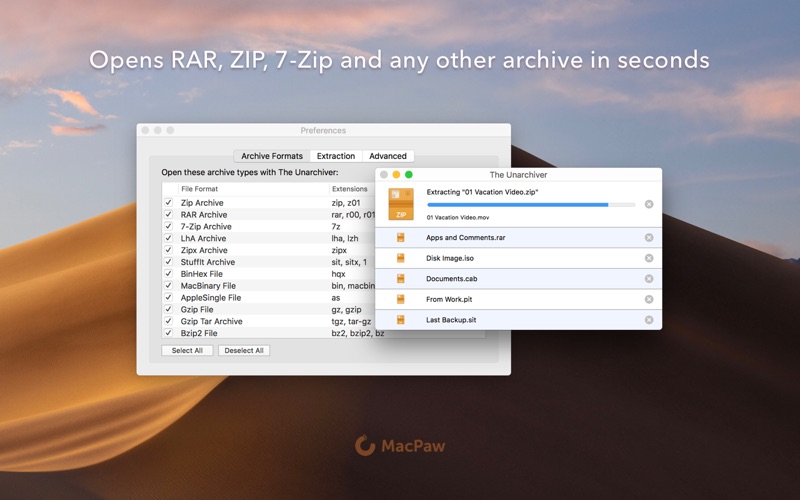
While standard macOS tools handle basic ZIP files, they often struggle with more complex formats. The Unarchiver Mac archive extractor bridges this gap effortlessly. Here is a breakdown of what it can unpack:
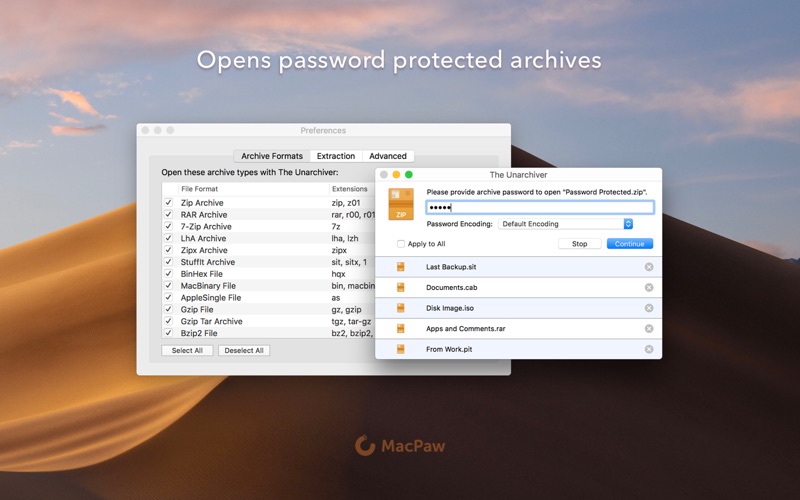
- Common Archives: Seamlessly extracts Zip, RAR (including the newer RAR v5), 7-zip, Tar, Gzip, and Bzip2 formats.
- Legacy Formats: Easily opens older compression types like StuffIt, DiskDoubler, LZH, ARJ, and ARC.
- System Images & Installers: Can even unpack ISO and BIN disc images, as well as certain Windows .EXE installers.
Smart Character Encoding Detection
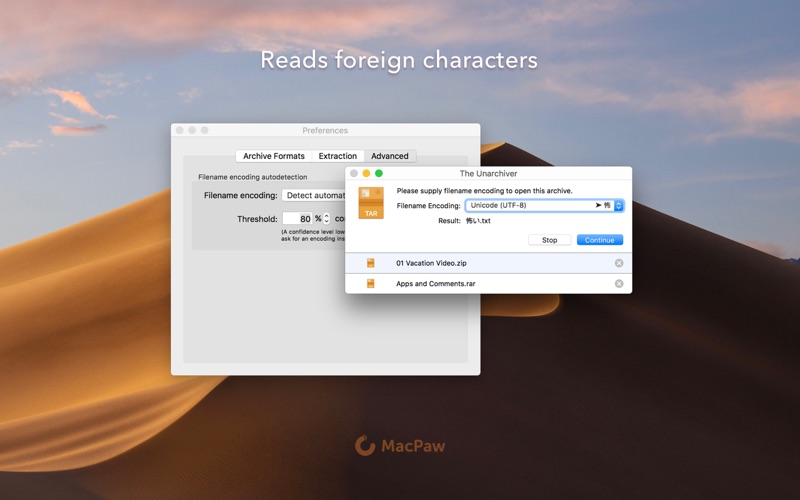
A frequent issue when opening archives created on different operating systems or in foreign languages is garbled file names. The Unarchiver Mac archive extractor features advanced auto-detection of filename encoding. By correctly identifying and translating the character sets, it ensures that your unpacked folders and files retain their original, readable names, regardless of where in the world the archive was packaged.
Who Is This Utility For?
This software is an essential download for power users, developers, and everyday Mac users who frequently receive files from Windows or Linux environments. Its philosophy is to stay completely out of your way—running quietly in the background only when double-clicking an archive, making it a seamless replacement for the native Archive Utility.
Get Started with The Unarchiver
If you are ready to streamline how you manage compressed folders on your Mac, we highly recommend adding this utility to your toolkit. To learn more or to add it to your system, head over to the official Mac App Store to download the application directly from the developer.
Rate the App
User Reviews










Popular Apps










Editor's Choice