
Latest Version
Microsoft Corporation
General
Mac
Free
462062816
Report a Problem
More About Microsoft PowerPoint
The Ultimate Presentation Software for macOS
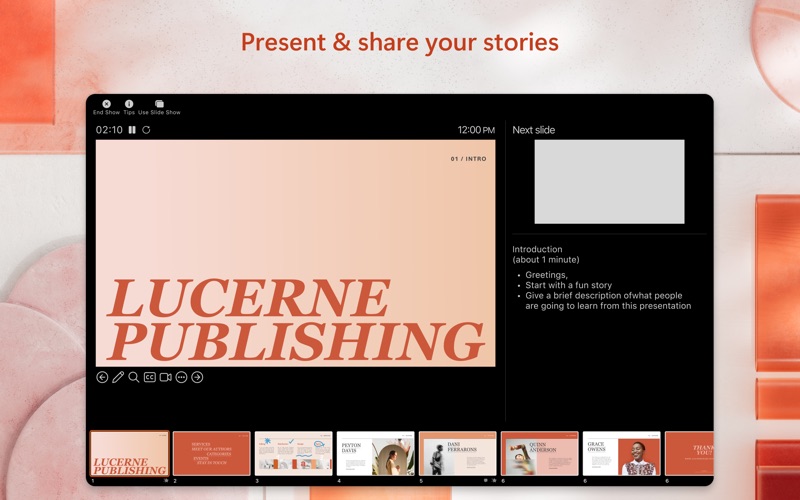
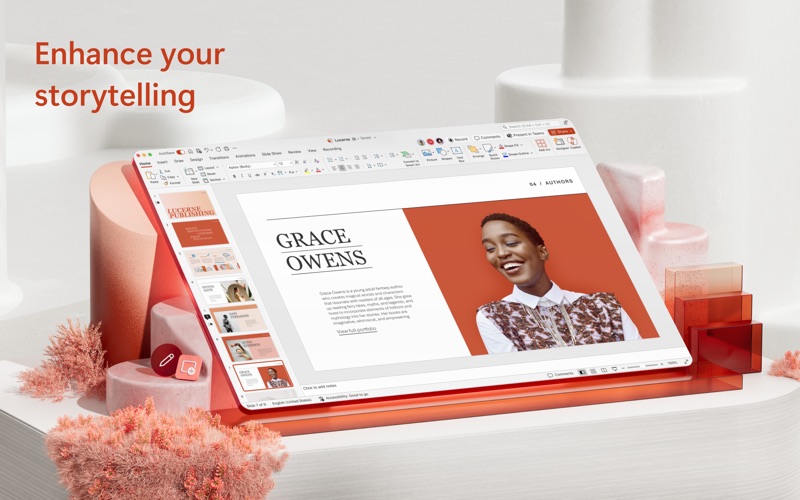
When it comes to delivering high-impact visual narratives, Microsoft PowerPoint presentation software remains the undisputed industry standard. Designed specifically to leverage the sleek interface and performance of macOS, this application transforms raw ideas into highly polished, professional slideshows. Whether you are pitching to venture capitalists, teaching a classroom, or sharing a personal portfolio, this tool provides the exact creative control required to make an impact.
Key Features of Microsoft PowerPoint for Mac
This powerful platform is packed with sophisticated design and organization tools tailored for modern presenters:
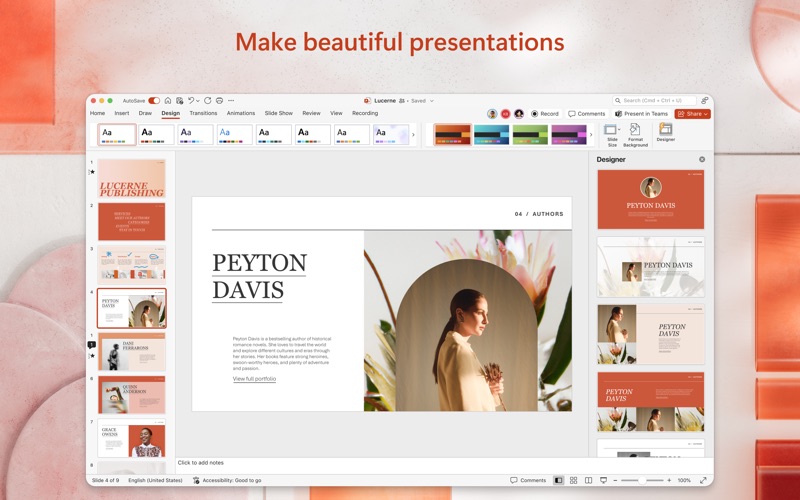
- Dynamic Visual Design: Elevate your slides using cinematic transitions, rich animations, 3D models, and a vast library of vector icons.
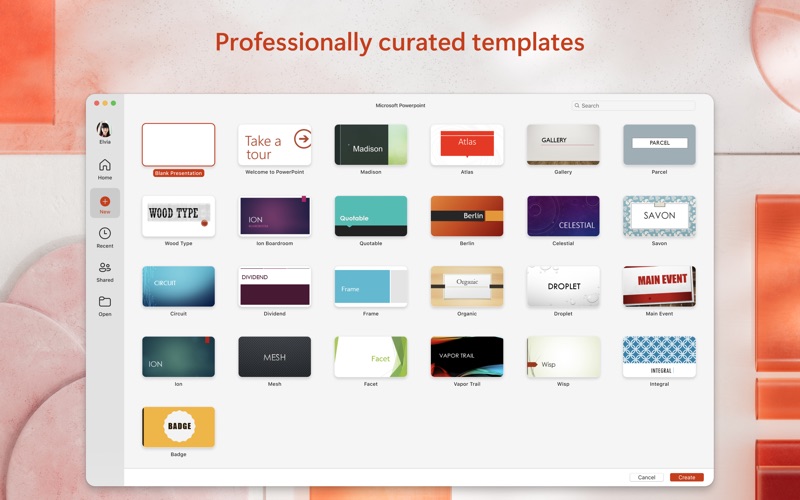
- Premium Templates: Jumpstart your design process with access to an ever-growing catalog of high-quality templates that ensure a professional look from slide one.
- Cloud-Enabled Flexibility: Save your presentation files directly to Microsoft OneDrive or other cloud services to access, present, or edit your work from any device with internet access.
- Optimized Dark Mode: Focus comfortably on building and refining your slides in low-light environments without eye strain.
Seamless Team Collaboration
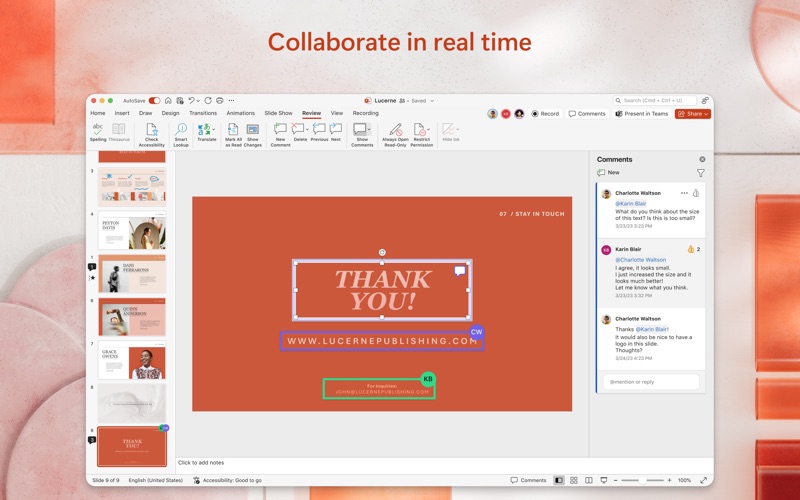
Modern workflows demand collective input, and Microsoft PowerPoint presentation software excels at keeping teams aligned. With real-time co-authoring, multiple team members can edit a single document simultaneously. The built-in permission management lets you see exactly who is working on the project, while integrated commenting and task assignment features keep feedback organized and actionable without leaving your workspace.
Who Benefits Most from PowerPoint on Mac?
While PowerPoint is versatile enough for anyone, it is particularly indispensable for:
- Corporate Professionals: Crafting sleek sales pitches, strategic business plans, and quarterly reviews.
- Educators and Students: Designing engaging lectures or standout school projects that demand clean formatting.
- Creative Designers: Utilizing advanced layout systems to showcase portfolios and visual concepts on high-resolution displays.
Getting Started with PowerPoint
To unlock the full potential of this application, a qualifying Microsoft 365 subscription is required. This subscription grants you access to premium features across Word, Excel, and PowerPoint, alongside secure cloud storage. Ready to elevate your next presentation? Head over to the official Mac App Store to explore the application and select the subscription plan that best fits your workflow.
Rate the App
User Reviews









Popular Apps










Editor's Choice